cloud & microsoft 365

cloud &
microsoft 365

zero data loss migration, complete configuration and monthly management — we make the move to the cloud simple, secure and seamless for your business

0
data loss
500+
users migrated
Microsoft Partner
24/7
active backup
technologies we work with
Microsoft 365 Google Workspace Veeam Backup Azure Acronis
what we do

from local email to the cloud, without headaches

most companies in maputo still operate with local email servers or cPanel that are slow, insecure and fail at the worst times. migrating to Microsoft 365 solves this once and for all.

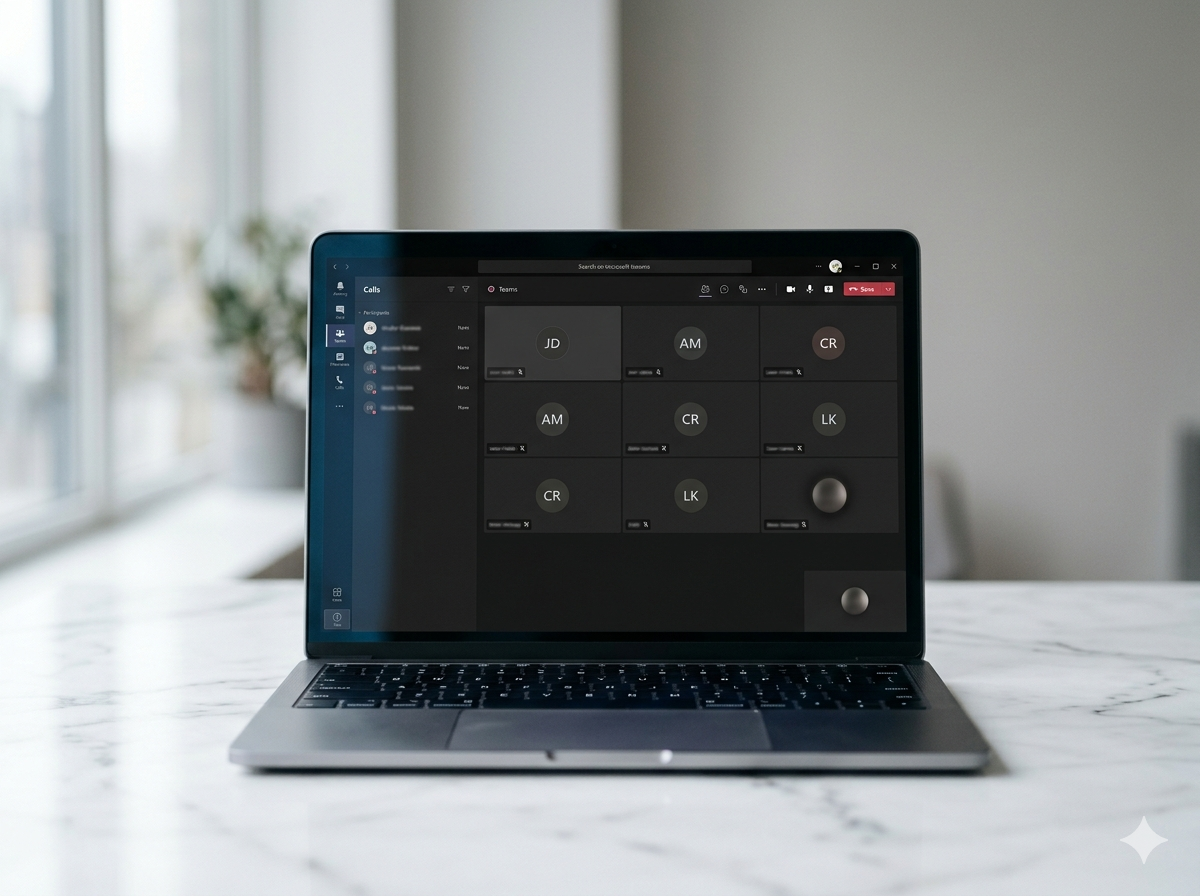
Microsoft 365 is not just email — it is your company's complete productivity platform: professional email with your domain, Teams for meetings and chat, SharePoint and OneDrive for document management, and Word, Excel and PowerPoint on any device. all in a single platform with enterprise-level security included.

migration is the most critical moment in the process. done wrong, it can result in lost emails, days of downtime and frustrated users. at simple solutions, we use professional migration tools that preserve 100% of email history, contacts and calendars, with zero impact on users during the process.

after migration, we manage the licences, users, security policies and monthly backup — so your team always has the best of Microsoft 365 without needing to understand how it works under the hood.

o que está incluído

email migration to Microsoft 365
from Exchange, cPanel, Gmail or any platform
complete Teams & SharePoint configuration
channel structure, permissions and sharing policies
dedicated Microsoft 365 backup
Veeam or Acronis — because M365 is not a backup
multi-factor authentication (MFA) for everyone
blocks 99.9% of unauthorised access attacks
licence & user management
onboarding, offboarding and monthly cost optimisation
team training
Teams, OneDrive, Outlook — adopted from day one
Google Workspace (alternative available)
for companies that prefer the Google ecosystem
microsoft 365 plans

choose the right plan

we help you select and optimise the right licences for your company — ask us for a tailored quote

Business Basic
essencial
on request

email profissional, Teams e aplicações web — ideal para equipas que trabalham principalmente no browser

Email com o seu domínio (Exchange Online)
Microsoft Teams (reuniões, chat, chamadas)
OneDrive 1TB por utilizador
SharePoint e intranet
Office web (Word, Excel, PowerPoint no browser)
Microsoft 365 Defender básico

* não inclui apps Office instaladas no computador

começar com este plano
Business Premium
avançado
on request

segurança e compliance de nível empresarial — para empresas com dados sensíveis ou requisitos regulatórios

Tudo do plano Profissional
Microsoft Defender for Business (EDR)
Intune (gestão de dispositivos)
Azure AD P1 (acesso condicional)
Protecção contra perda de dados (DLP)
Arquivo de email ilimitado

* ideal para sectores financeiros, saúde e advocacia

começar com este plano
atenção: o Microsoft 365 não substitui um backup dedicado

o Microsoft 365 guarda dados apagados apenas entre 30 a 93 dias, dependendo das definições. se um colaborador apagar emails ou ficheiros acidentalmente (ou maliciosamente), ou se a conta for comprometida por ransomware, os dados podem ser perdidos para sempre. um backup dedicado com Veeam ou Acronis cria cópias independentes e imutáveis com retenção de 1 a 7 anos. todos os planos de cloud da simple solutions incluem uma proposta de backup M365 — é o passo que a maioria das empresas adia até ser tarde.

our capabilities

from migration to ongoing management

each service is delivered by Microsoft specialists with migration experience in the mozambican market

microsoft 365 migration

complete migration of email, contacts, calendars and files to Microsoft 365 using professional tools (IMAP, FastTrack, BitTitan). support for migrations from Exchange Server, cPanel/Webmail, Gmail and other servers. users continue working normally throughout — zero downtime.

dedicated microsoft 365 backup

daily backup of Exchange Online, SharePoint, OneDrive and Teams with Veeam Backup for Microsoft 365 or Acronis. configurable 1 to 7 year retention. granular recovery of individual emails, folders or documents in minutes. protection against ransomware, accidental deletion and account attacks.

teams, sharepoint & collaboration

Teams configuration with channel structure by department or project, SharePoint with organised document library and correct permissions, OneDrive with synchronisation and secure sharing policies. practical training for the team to ensure real adoption.

cloud security & compliance

activation and configuration of MFA for all users, conditional access policies to block logins from suspicious locations, anti-phishing and malware protection in email, and Data Loss Prevention (DLP) to protect sensitive information.

licence & user management

monthly management of all Microsoft 365 licences: account creation and deactivation, licence redistribution when staff leave, optimisation of the plan mix to reduce costs. quarterly report with savings recommendations. as a Microsoft Partner, we help you get the best price on your licences.

google workspace

for companies that prefer the Google ecosystem — Gmail, Google Drive, Meet, Docs, Sheets and Calendar. complete implementation, email migration, shared Drive configuration and user training. we also do migrations from Google Workspace to Microsoft 365.

why simple solutions

the difference is in what happens after migration

any company can install Microsoft 365. few configure it correctly, and even fewer keep it secure over time

Microsoft Partner

as a Microsoft Partner, we help you get the right licences at the right price, with support included, and help resolve issues that have no direct fix in the Microsoft 365 Admin Center.

zero data loss, guaranteed

we do a complete check before and after every migration: we compare email counts, verify date history and confirm all contacts and calendars were transferred in full. no client of ours has ever lost a single email in a migration.

real training
real training

a migration that users do not adopt is money wasted. we do in-person or Teams training focused on the company's real use cases. adoption rate in the first 30 days is our success indicator.

continuous licence optimisation

companies tend to accumulate paid licences that nobody uses. we do a quarterly review of all active licences and recommend adjustments that frequently result in savings of 15 to 30% on the monthly invoice without loss of functionality.

our process

migration without surprises

a process tested across dozens of migrations in mozambique — built to minimise risk and maximise adoption

1
assessment
analysis of current environment: email server, data volume, number of users and specific requirements
2
preparation
M365 tenant configuration, DNS and MX records, account creation and MFA activation before moving a single email
3
migration
phased migration with professional tools — history, contacts and calendars. users continue receiving email throughout the process
4
validation
complete data integrity check before the definitive cutover. pilot user testing. confirmation that backup is active
5
training
training session for all users — Outlook, Teams, OneDrive and SharePoint. 30-day post-migration support
FAQ

direct answers

questions our clients ask before migrating to Microsoft 365

yes, you need backup — and this is the most important question on this page. Microsoft 365 offers infrastructure redundancy but does not offer backup in the true sense. items deleted from the mailbox are only available for a maximum of 30 to 93 days. after that, they disappear permanently. a dedicated backup creates independent copies with retention up to 7 years and allows recovery of any email or file in minutes.

for a company of 10 to 50 users, the complete migration takes 1 to 2 weeks — and users never lose access to email during the process. we use a parallel migration approach: email starts being delivered to Microsoft 365 while history is still being copied in the background. when the history is complete and verified, we make the definitive DNS switch in less than 5 minutes.

the honest answer is that for most mozambican companies, Microsoft 365 is the most appropriate choice — Word, Excel and PowerPoint remain the standard document formats here, and Business Standard includes the installed versions of these applications. Google Workspace is excellent for very collaborative teams that work primarily in the browser. if your company already uses Google intensively, keeping it makes sense.

after the validated migration and with M365 backup active, the local email server can be switched off — eliminating hardware maintenance costs, electricity, server licences and risk of failure. we recommend keeping the source server accessible for 30 days after migration as a safeguard, while simple solutions monitors both systems.

ready to move your company to the cloud?

free migration assessment · proposal within 24 hours · zero downtime guaranteed

24/7 emergency line available for contract clients